10 Essential Photography Website Tips to Attract More Clients
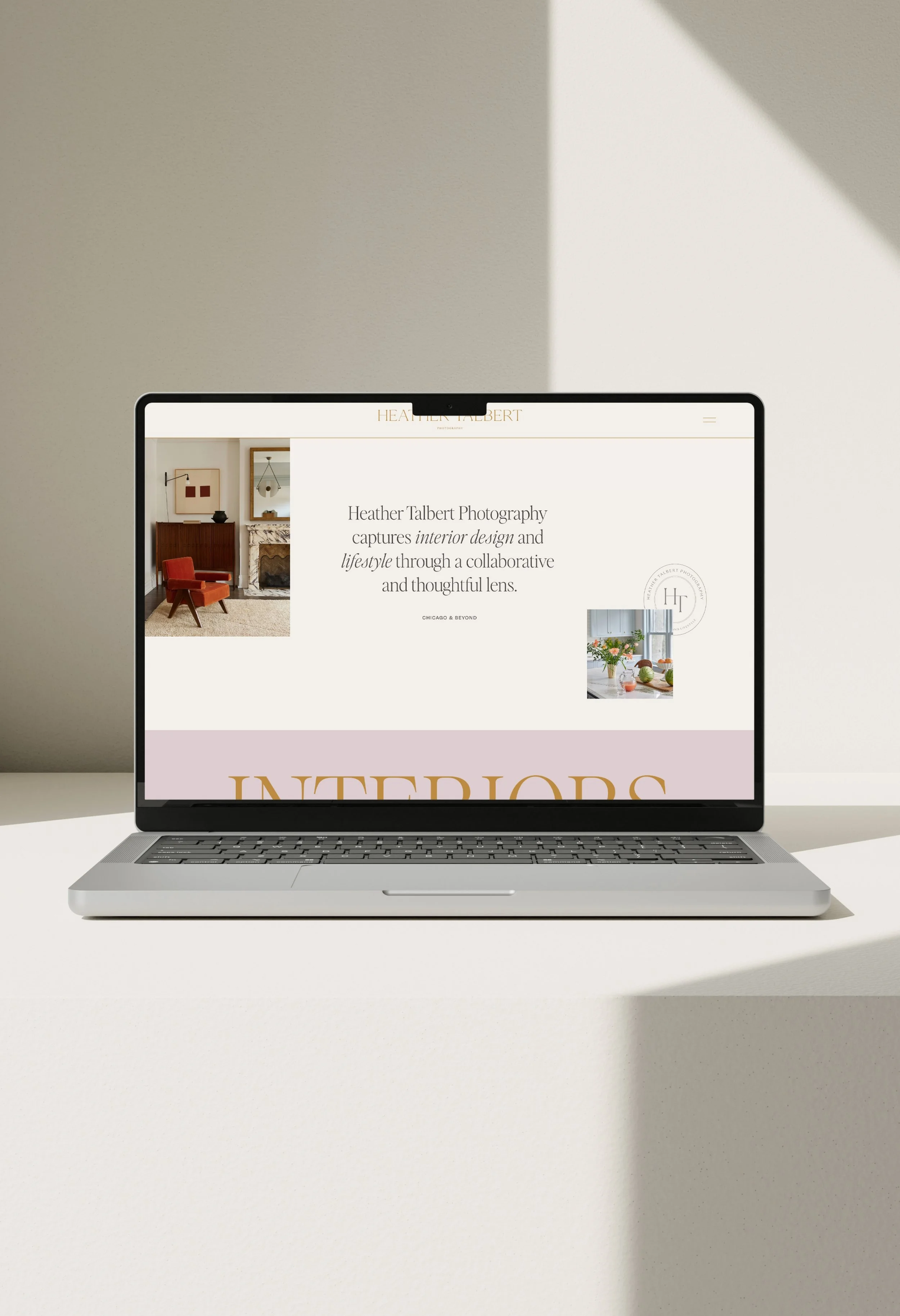
Are you a brand, wedding or lifestyle photographer and you’re not sure how to improve your current website? I’m sharing 10 checkpoints on how to improve your Squarespace photography website. From looking at client journey and experience to branding to impactful portfolios, we’ll cover many different considerations on what makes an impactful and converting photography website design.
Table of Contents
Ensure your branding is woven throughout your Squarespace photography website
You most likely have established branding that reflects your photography style, values and ethos–but sometimes if you are DIYing your website you aren’t sure how to infuse that into your website.
Start simple by ensuring your brand fonts and colors are added to the style panel of your Squarespace photography website. This will help set the overall tone of the site.
Be sure to also update your header logo and footer logo to showcase your branding as well. And don’t stop there! If you have additional branding elements such as icons, patterns, textures or submarks–these are great elements to layer into your website design to feel even more bespoke and custom.
If you do not have established branding, stick to 2-3 fonts maximum and 3-4 colors – this way it will feel cohesive and not overwhelming.
Easily showcase your location on your website
This may feel a bit silly, as you know what location(s) you serve, but your audience may not. Make sure your location is prominent on a handful of key pages to help with client experience and understanding, as well as a bonus for search engine optimization (SEO).
And if you serve multiple locations or you take on jobs worldwide – you may still have a ‘base’ home or place to promote and then you can add in storytelling that you take on jobs worldwide.
A few key places I recommend to add in your location:
Top hero section of the homepage – clear, simple, easy to see right out the gate (EX: Phoenix Film and Wedding Photographer)
Website footer – this allows it to be on every single page and is also helpful for SEO
Frequently asked questions – this is where you can share more about additional locations you serve or even if you have a travel fee for your photography services, etc.
Testimonials – this is an easy place to sneak in the location for search engine optimization by sharing the city or location of your client’s testimonial (EX: Jacy L., Phoenix, Arizona)
Your Contact/Booking Page – another reminder of your location to make sure it’s a good fit. You can also layer in a note that you accept projects elsewhere too (EX: Phoenix Film and Wedding Photographer | Serving Clients Worldwide)
Create Clear Call to Actions
This is one that I often see underused or even missed. Having just one call to action on your website is doing a disservice to your Squarespace photography website. Having a layered approach with call to actions can not only help with user journey and experience but conversion as well.
For example, if you only have one call to action at the bottom of the site, it’s most likely geared towards your booking page. But what if they haven’t explored your portfolio yet or read your blog or about page? They are most likely to not book or proceed with an inquiry.
But if you sprinkle in call to actions throughout your website on each page, this can help direct them to learn more about you, your services, explore the portfolio and be warmed up and ready to hit the submit button!
Highlight and Showcase Your Style
In order to attract the right type of clients it is important to showcase and highlight your style on your Squarespace photography website. If you want to book more intimate, upscale weddings, then your website and portfolio should showcase work to appeal to this audience. If there’s a big disconnect between where you are and where you want to be, it may be worth doing a styled shoot to get the imagery to help portray the direction you want to take.
Or for example if you are a bold, editorial and high-fashion photographer, you’ll want to make sure your latest, best and curated work is shown.
And as a reminder, not every project needs to land on your portfolio or blog. It’s OK to be overly selective on what is shown on your website. This curation and refinement will better appeal to the audience you are trying to attract.
Share your process and packages
You know your processes and packages by heart, but your website visitors and potential clients do not. Help them understand your values, expertise and clear packages. This not only helps clear up decision fatigue or general frequently asked questions, but this also helps your clients be better clients.
What I mean by this is if you have a clearly laid out package of what is included, there is much less of a chance to have scope creep. Or if you showcase your process from discovery call to final imagery delivery day they will have a better sense of what to expect from start to finish.
Connect your CRM
If you’ve put time into your CRM to have it nurture and automate leads, then let it do the work for you. This is an ‘easy’ win that can help create less friction and allow for automation (in a good way) to help lessen your admin tasks. And if in your process is to have a discovery call with prospective clients, utilize a tool like Squarespace Scheduling or Calendly to streamline this process.
Share your work, strategically
As a photographer, taking beautiful photos comes natural, but maybe writing a recap or case study of your portfolio project does not. Don’t let this overwhelm you, as it doesn’t need to be overly robust or long. Think of it as storytelling to better showcase you, your worth and services.
At a minimum here’s what I recommend to be included in each portfolio project:
Project Name
Project location (beneficial for SEO, as well as if you offer work in multiple locations)
One to two paragraph description of the project.
Testimonial from the client
Resizing your images for your photography website
One of the most important photography website tips is making sure you take the extra step to resize your images for web usage.
Large or print-ready images will slow down the loading speed of your website, which could impact user load experience as well as SEO.
Look to keep images within 250kb-500kb in size for web usage. You can do this within Lightroom or use a free compressor tool like JPGMINI to compress the image size without impacting quality.
And take this one step further and make sure your images have alt-text where appropriate.
Blogging for SEO
Blogging is one of the most impactful ways to support your SEO score for your Squarespace photography website. It’s also the perfect way to dive into educational topics to help your key audience, or even go more in depth with other projects that maybe aren’t quite right for your portfolio. Some example blog posts topics could include:
3 Venues or Locations to Book X type of photography session
What to expect for your photography session
Behind the Scenes: Showcasing the full process of a photoshoot (from discovery, creative phase to final shoot results)
And PS - don’t forget to add an SEO rich blog post title, URL structure and title + meta description for each post.
Share Your Results and Social Proof
More than likely you have glowing testimonials sitting in your email or DMs. Harness these testimonials as social proof on your website to help showcase results you’ve achieved for other clients.
Instead of putting these on a page just dedicated to testimonials, I recommend sprinkling these throughout the website. This way if a user lands on your homepage, services page or even portfolio they can get a quick glance of the testimonials!
And bonus: if you have a Google Business page, continue to collect testimonials there as well, as this helps with a broader SEO reach.
Frequently Asked Questions
-
I’d say the most common website platforms for photography websites are Squarespace and Showit. Both allow for the flexibility to add beautiful, custom layouts in a visual manner. Made by NF specializes in custom Squarespace websites for photographers. Here’s a blog post that goes in further detail on why I choose Squarespace for photographers.
-
That’s okay! Sometimes less is more, especially when you are just starting out or pivoting to a different niche/audience. One way to get more images would be to be part of a styled shoot, just make sure it is aligned with the direction you’re after.
-
If blogging isn’t something you’re interested in or feel intimated by, it’s not something you have to do. It is helpful, but not a 100% mandatory element in having a strong photography website design. If you choose to not have a blog, it is important you ensure you have a strong portfolio, service pages and frictionless way to connect with you to learn more and book your services.
Ready for a custom photography website that feels like you?
Made by NF offers elevated branding and Squarespace website design for wedding, lifestyle and brand photographers.